
Overview
The Pierview Agent Analytics plugin detects when AI agents visit your WordPress site and reports those visits to your Pierview dashboard. It identifies traffic from 25+ AI agents, including ChatGPT, Claude, Perplexity, Gemini, Grok, and more, giving you a clear picture of how AI systems are crawling and consuming your content. No JavaScript is injected on the frontend. Detection happens server-side on every request.Prerequisites
- A Pierview account
- WordPress 5.9 or later
- PHP 7.4 or later
Installation
- WordPress Dashboard
- Manual Upload
1
Open the plugin installer
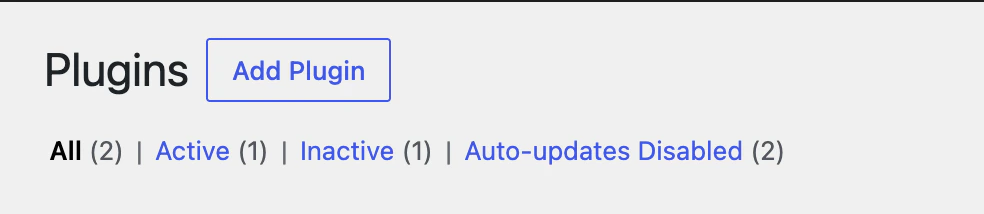
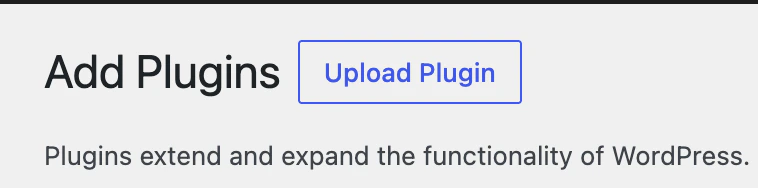
In your WordPress admin, go to Plugins > Add New Plugin.
2
Search for the plugin
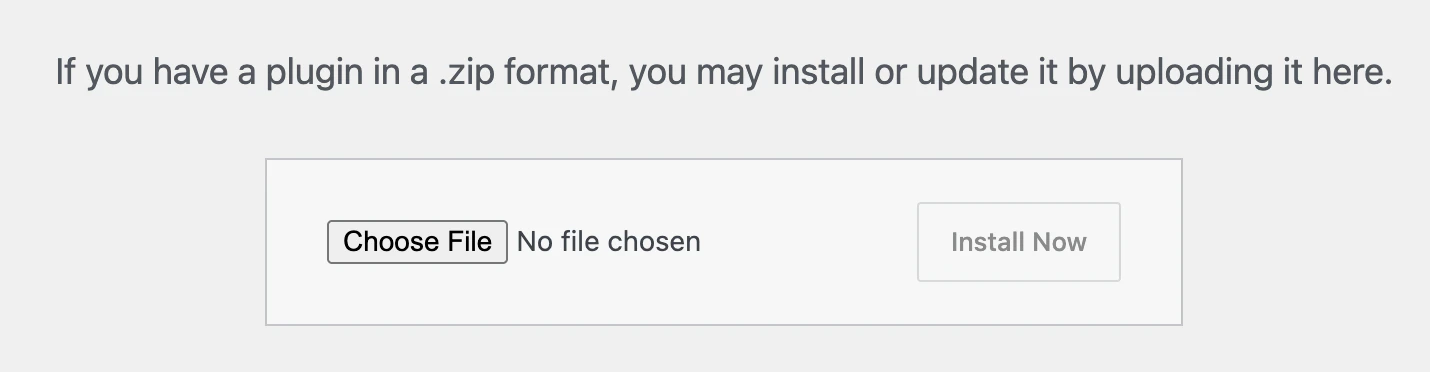
Search for Pierview Agent Analytics and click Install Now, then Activate.
Configuration
1
Get your API key
Go to your Pierview dashboard, generate your API key, then copy it from the WordPress Agent Analytics API Key section.
2
Open plugin settings
In your WordPress admin, go to Settings > Pierview Analytics.
3
Enter your API key
Paste your API key into the API Key field, ensure Enable Tracking is checked, and click Save Changes.
4
Verify the connection
Click Send Test Event to confirm the plugin can reach the Pierview endpoint. A success message confirms your site is connected.
Detected AI Agents
The plugin matches User-Agent strings against 25+ known AI patterns:Privacy Settings
The plugin includes built-in privacy controls under the Privacy tab in plugin settings. Query parameter redaction: Strip sensitive values from tracked URLs before they are sent to Pierview. For example, addtoken or session_id to prevent those values from leaving your server.
Path exclusions: Exclude entire sections of your site from tracking by prefix. For example, adding /checkout/ or /members/ ensures those paths are never reported.
The following are always excluded, regardless of settings:
- WordPress admin pages
- REST API requests (
/wp-json/) - Login page (
/wp-login.php) - Feed pages
Data Collected
Each tracked AI visit sends the following to Pierview:Next Steps
- View your AI agent traffic in the Pierview dashboard
- Track which pages AI agents visit most under Citations
- Connect the MCP Server to query your data from Claude or Cursor